> ## Documentation Index
> Fetch the complete documentation index at: https://docs.fieloloyalty.com/llms.txt
> Use this file to discover all available pages before exploring further.
# Member Experiences
Through the [Fielo Loyalty API](/api-reference), it's easy to surface loyalty data on the touchpoints your members already use to interact with your brand. Take a look at this example of a member experience embedded into a mobile app.
### Overview and Available Incentives
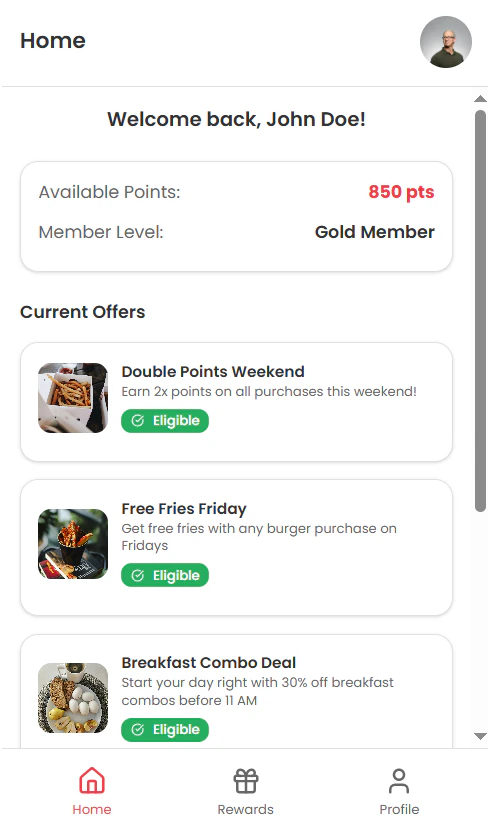
Members see their current balance(s), tier and the incentives available to them based on their segments.
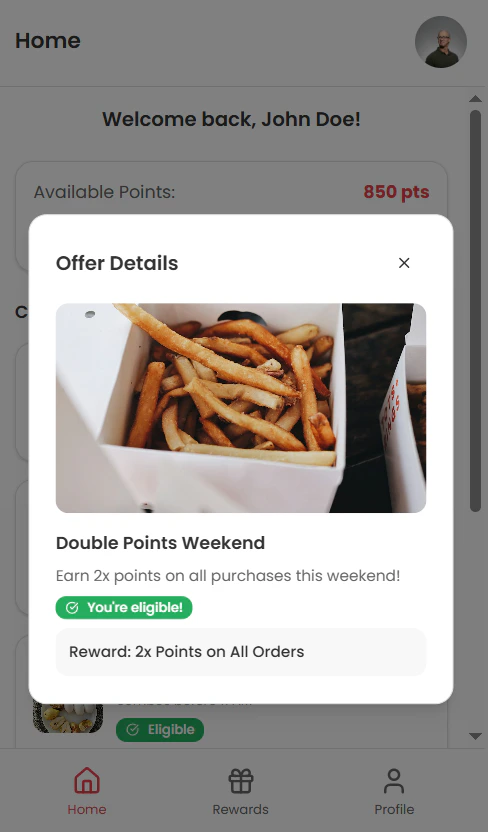
 When selecting an incentive, members can check out what they'll earn and any eligibility details.
 ### Profile and Tiers
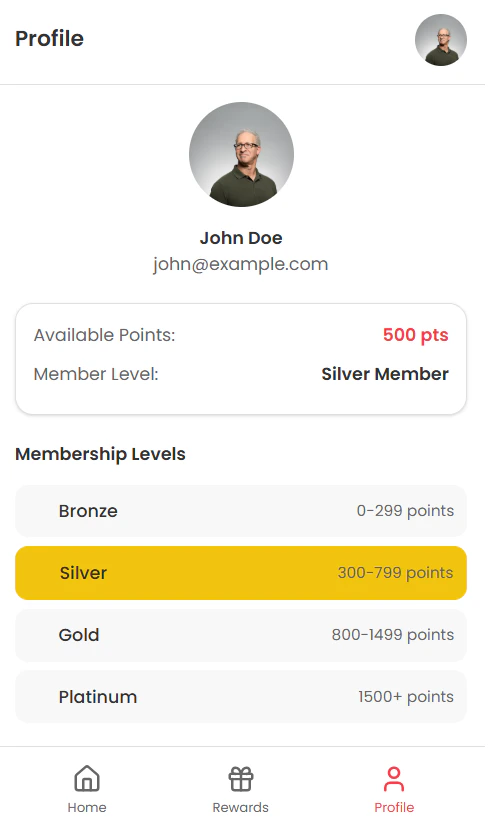
Members can verify and update their profile info, as well as view their tier status, benefits and learn how to upgrade.
### Profile and Tiers
Members can verify and update their profile info, as well as view their tier status, benefits and learn how to upgrade.
 ### Rewards Catalog
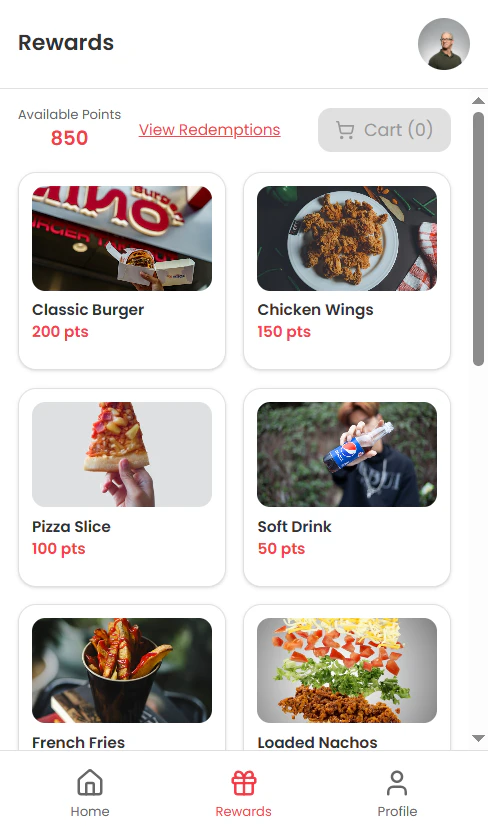
Members view their available balances and browse reward options in the catalog.
### Rewards Catalog
Members view their available balances and browse reward options in the catalog.
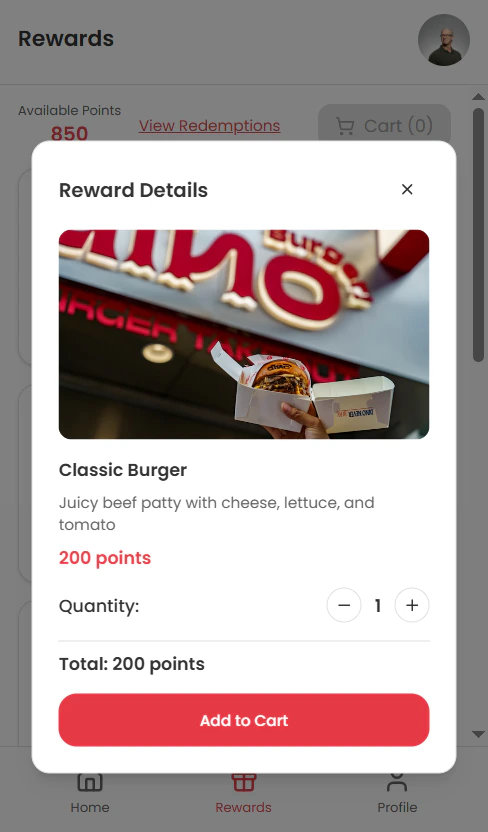
 Upon selecting a reward, they can see its price and description and add it to their cart.
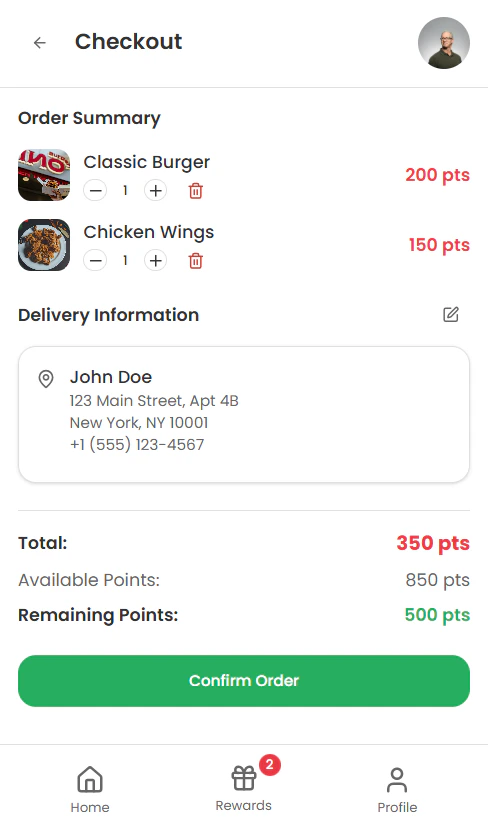
 Once the desired items are added, members proceed to checkout.
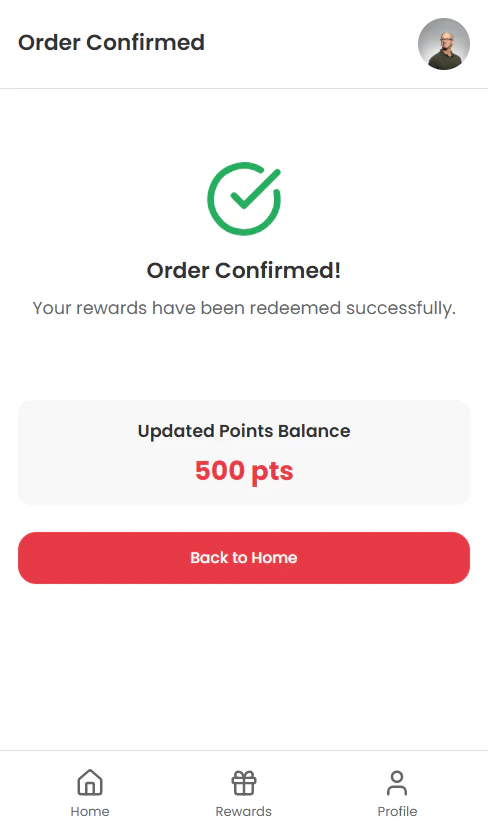
 After completing checkout, an order confirmation is displayed.
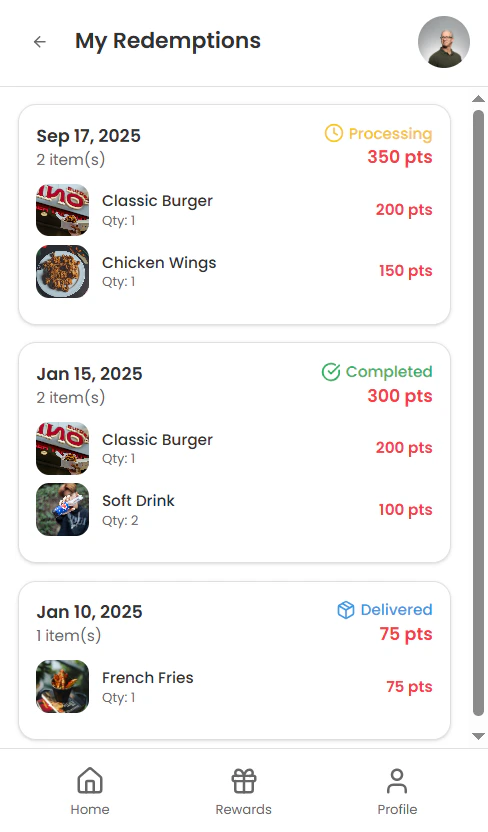
 Members can then view the details of their redemptions at any time on the My Redemptions page, accessible from the catalog.