

Attributes
To add a reward, navigate to the Rewards page and select Create Reward. In addition to a name and description, rewards have the following attributes:- External ID: This is how the reward will be identified on redemption requests made through API. It must be unique.
- Reward Type: Rewards can have Unlimited stock, or have Stock Control. Stock-controlled rewards need to have an initial stock specified. Stock is automatically updated upon each redemption. Stock can be replenished at will. Stock is controlled via Reward Stock Entries.
- Prices: If you want to allow members to exchange currency for this reward, you can set the price of the reward. If no price is set, the reward can still be granted through an incentive rule as an instant reward.
- Days Available: The number of days following redemption that the redemption items corresponding to this reward will be available to use. When this period lapses, the redemption item will be marked as expired. If blank, redemption items corresponding to this reward will not expire.
- Reward End Date Time: After this date and time, members will no longer be able to acquire this reward. If blank, the reward will be available indefinitely.
- Reward Cost: The internal cost of this reward to your organization for accounting purposes.
Add Reward Stock
If your reward is under Stock Control, you’ll need to provide its initial stock before members can begin acquiring it. To do so, access the three-dot menu from the details pane, select Add Reward Stock and enter quantity you wish to add.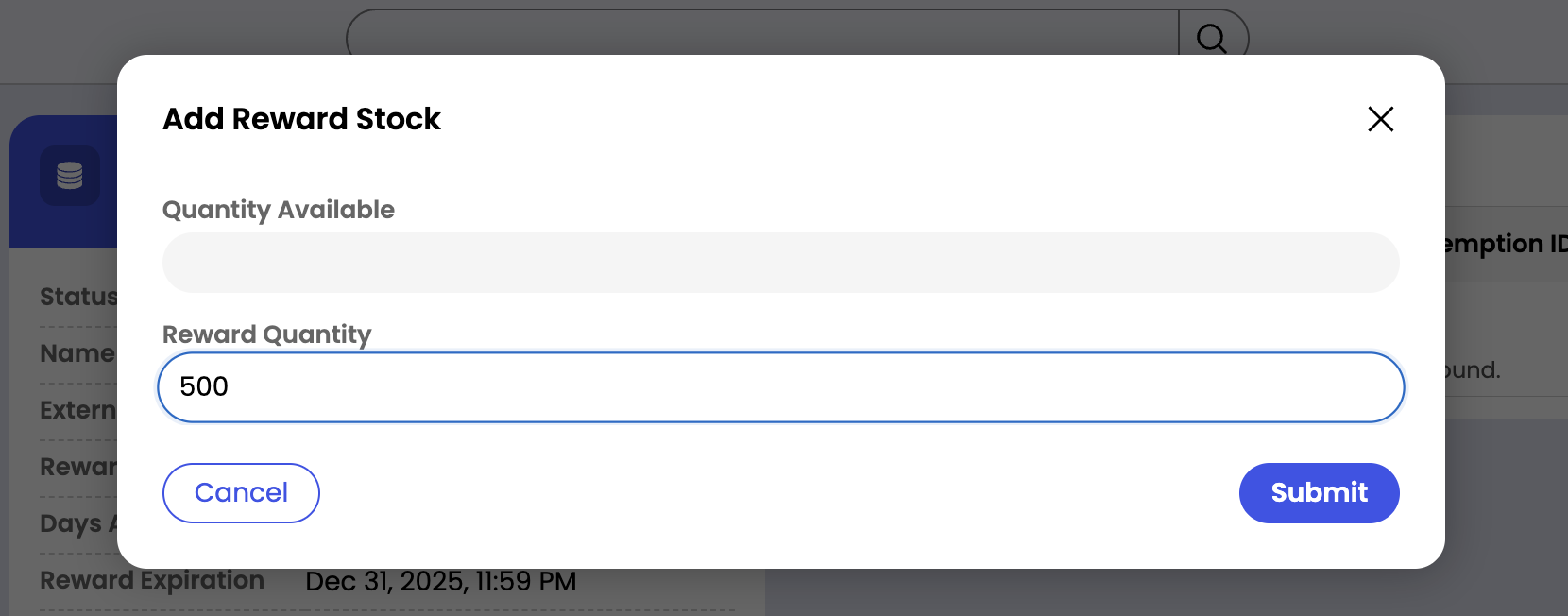
Statuses
Rewards can be in one of two statuses:- Open-Active: Members can acquire the reward.
- Resolved-Inactive: The reward cannot be acquired.